CPAPdata on every screen
CPAPdata is a web app: it works in your browser and installs on your phone like an app, without going through a store.
Coming soon to the stores


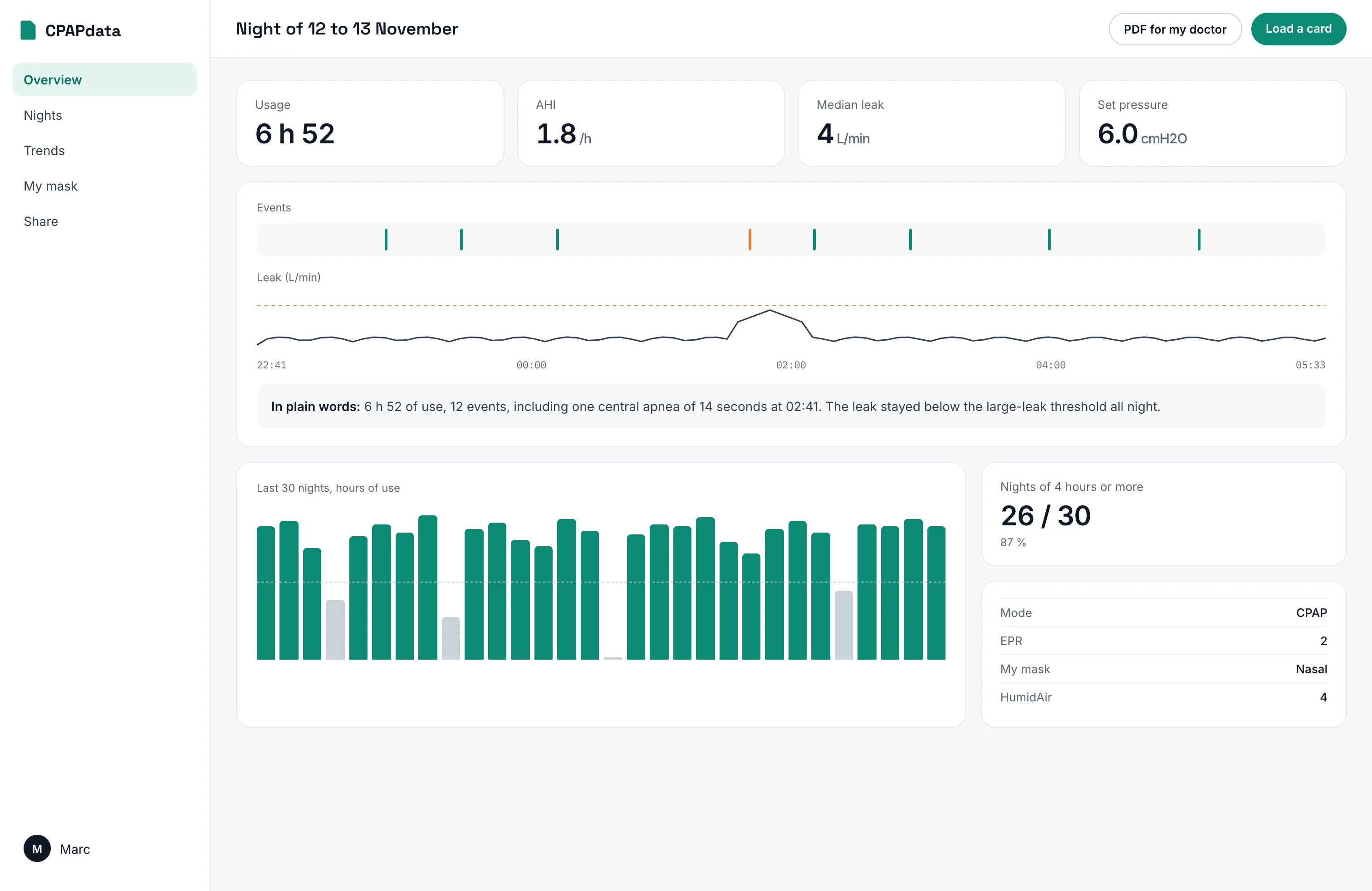
On a computer
Open cpapdata.com in Chrome, Edge, Safari or Firefox, and insert the card in the computer's reader.
On iPhone and iPad
- 1Open cpapdata.com in Safari.
- 2Tap Share, then “Add to Home Screen”.
- 3Plug a USB-C SD card reader and choose the card.
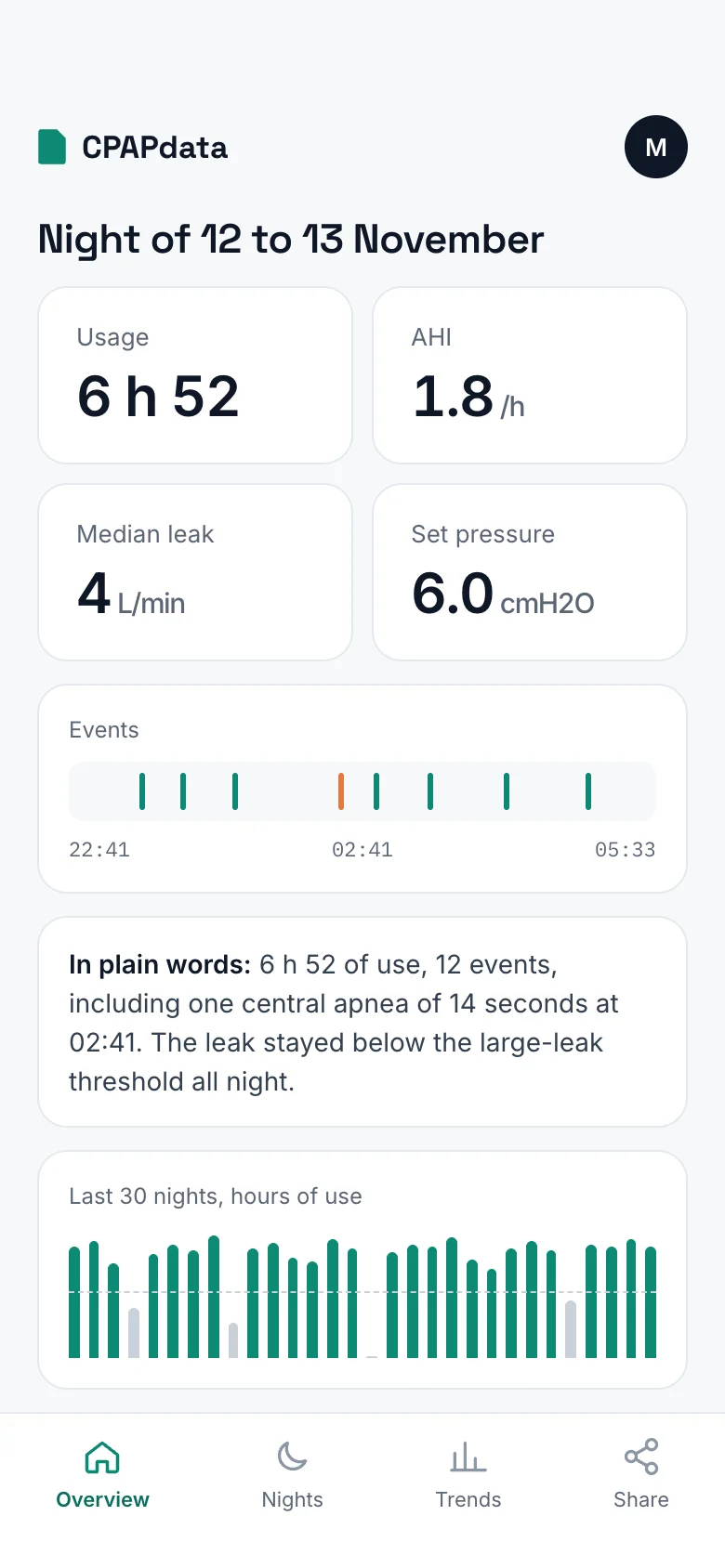
On Android
- 1Open cpapdata.com in Chrome.
- 2Tap the menu, then “Install app”.
- 3Plug a USB-C SD card reader and choose the card.
Apps in the stores
Native iPhone and Android apps are planned. The web app already does everything they will do.