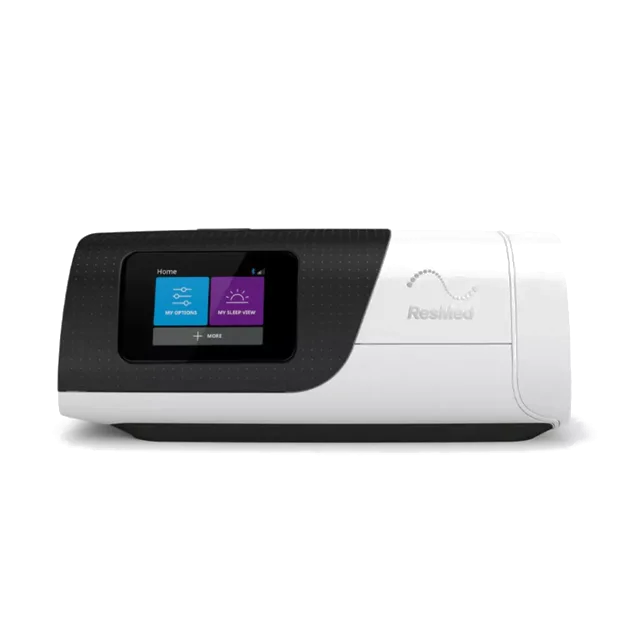
ResMed
- AirSense 10 EliteAvailable
- AirSense 10 AutoSetIn validation
- AirSense 11In validation
- AirCurve 10, S9In validation
ResMed AirSense 10 · checked value by value
Load your machine's SD card: all your nights appear, explained in plain words. Your account keeps the history and shares it with your care team.
Access with a verified account. The card is read in your browser.
Coming soon to the stores


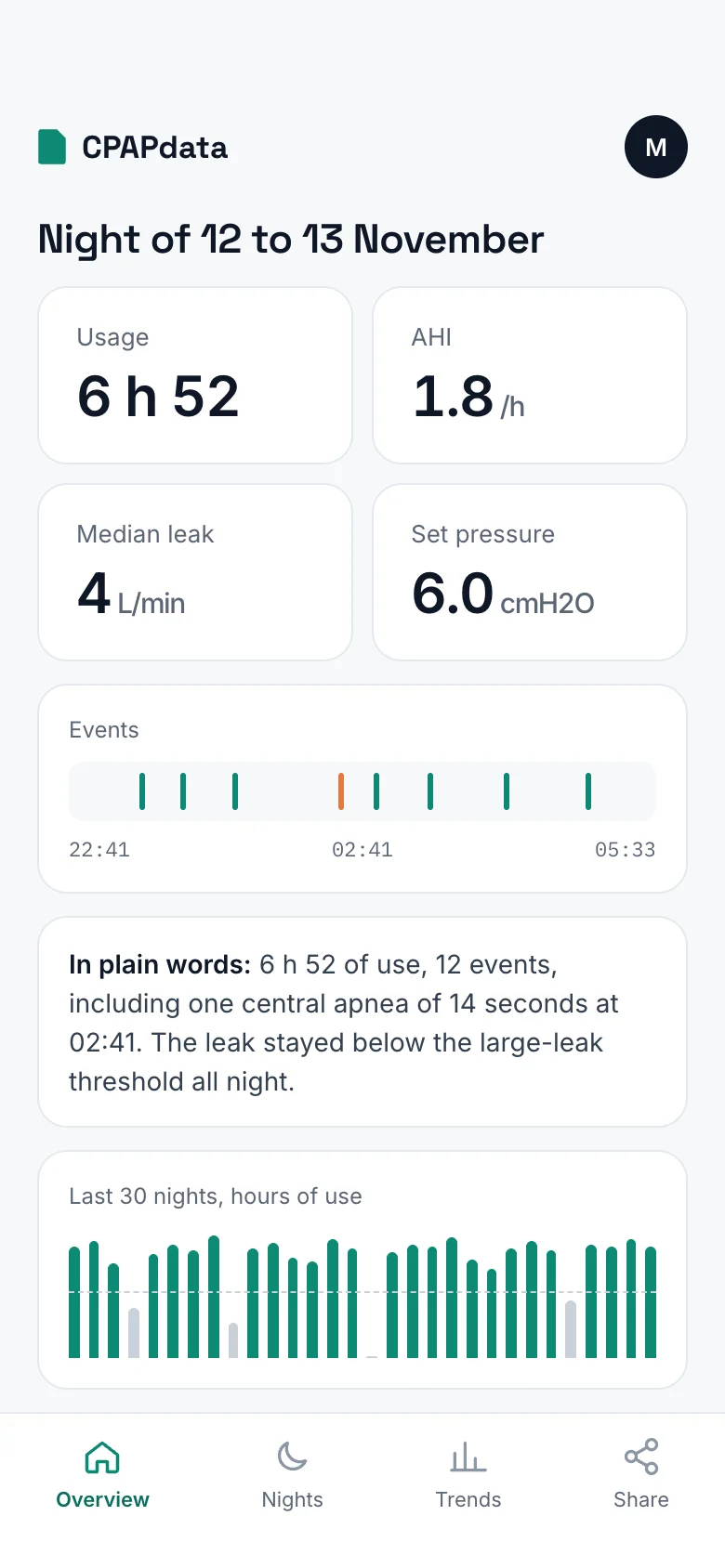
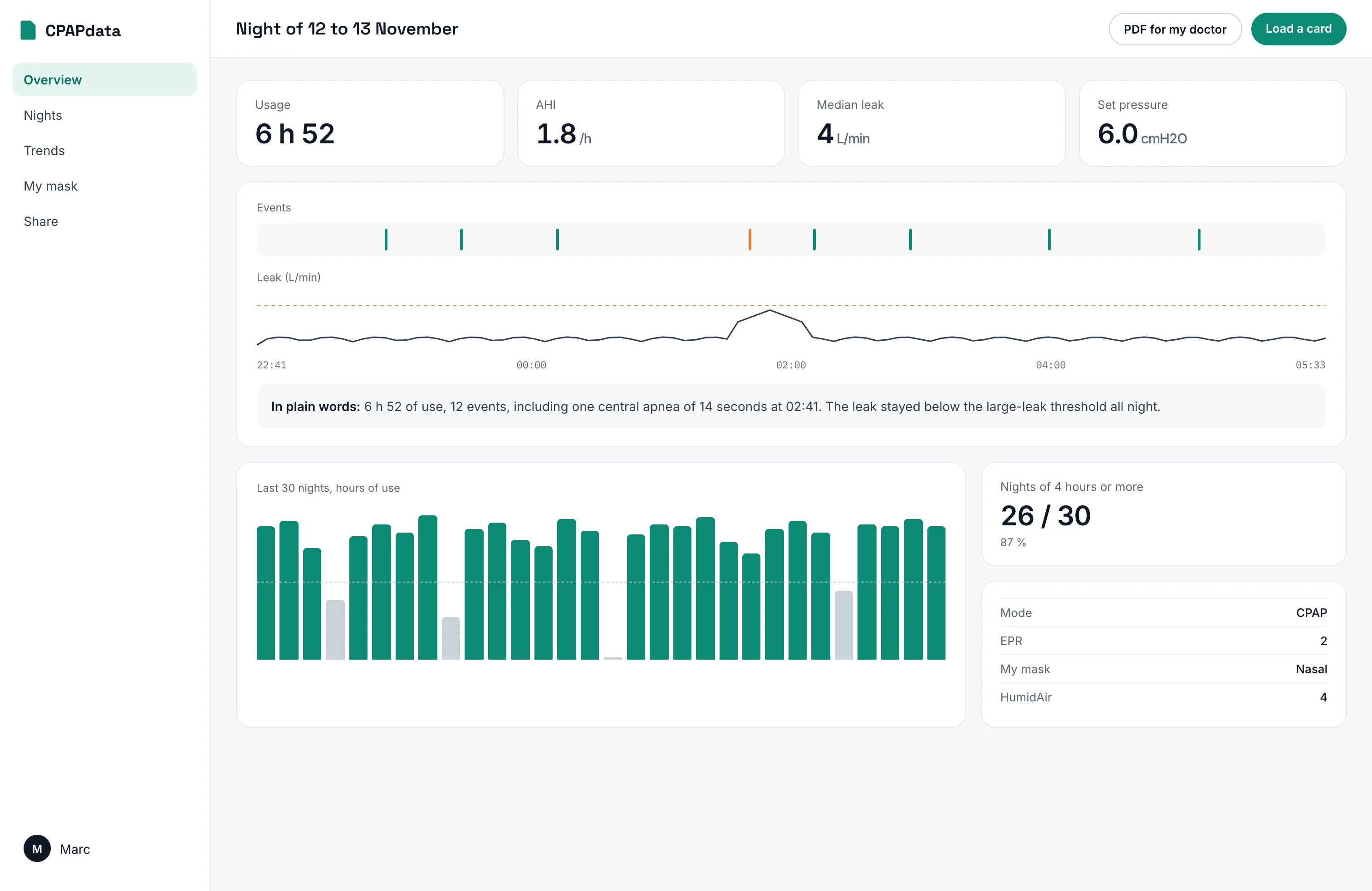
Four numbers for the night, the night itself hour by hour, and months of history at a glance. No jargon, no colour that judges.
Example screen, fictitious data.
Every night
Each event in its place in the night, with what it means. The breath-by-breath curve is there when you want to go further.
Over time
Use, AHI and leaks since the first day recorded on the card, month after month.
With your clinician
A clear PDF for the consultation, or access to your nights for your doctor, revocable at any time.
Every number is checked against the summary your machine writes itself, and against OSCAR, the open reference for reading CPAP cards for more than ten years. A number we have not verified is not displayed.
The card is read on your computer or phone. Only the nights you save go to your account.
The nights you keep are stored in the European Union, for you alone.
CPAPdata explains your numbers. Treatment decisions stay with your doctor.
We open a brand only once its numbers match the machine's own summary, card after card.
For professionals
Your patients invite you, their nights arrive sorted by use, AHI and leaks. Every brand, four languages, data in Europe.
Discover the professional space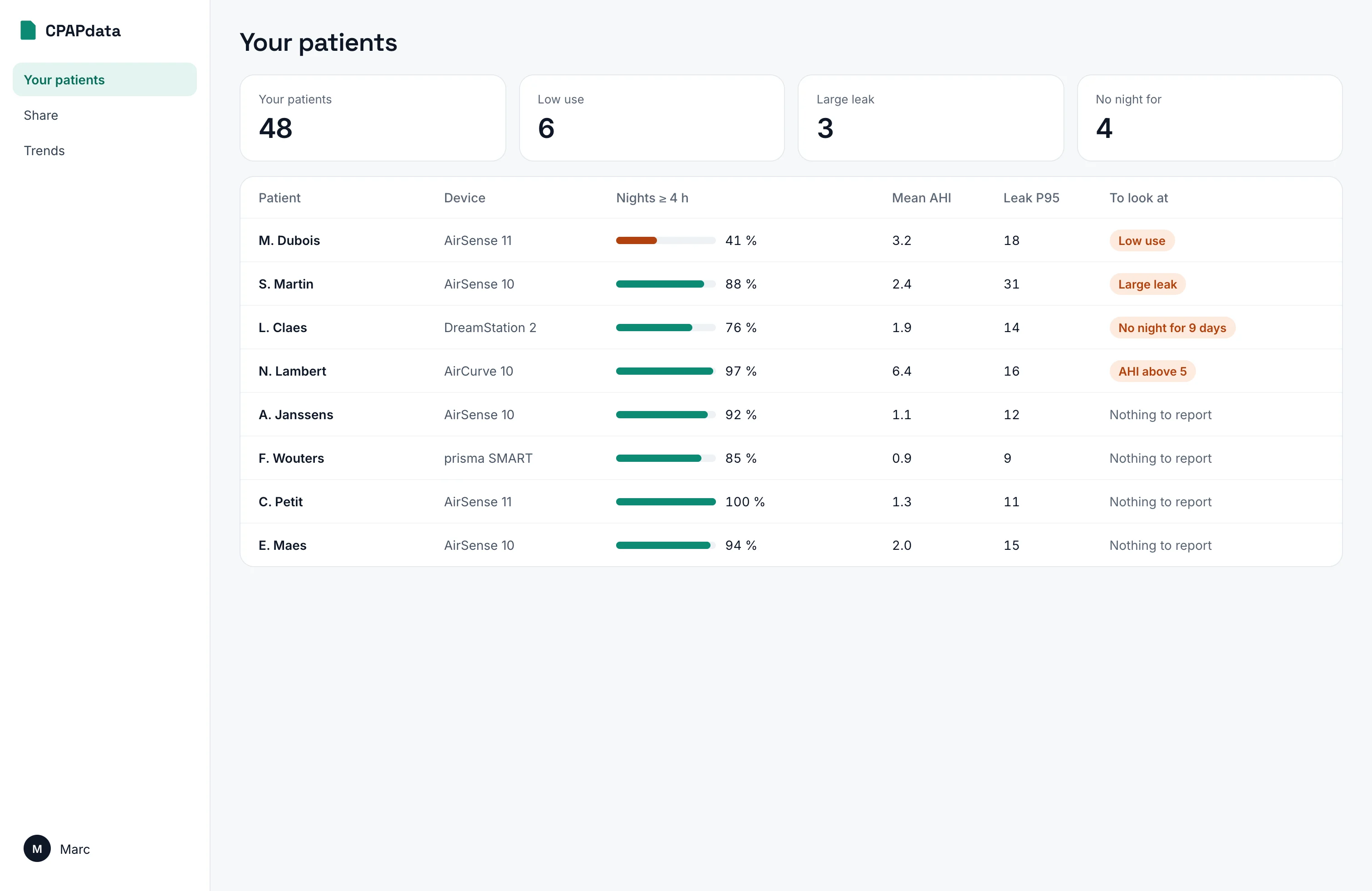
One app, every screen. Install it on your phone in two taps, and read your card with a USB-C reader.
Coming soon to the stores
Short, sourced explanations of what your machine measures.
Straight answers about CPAP data, from someone who reads it every day.
Most clinicians consider therapy well controlled when the AHI stays under 5 events per hour, and under 1 is excellent. A single bad night is rarely meaningful on its own. Look at the trend across several weeks, and bring it to your care team rather than changing anything yourself.
Take the SD card out of your machine, put it in a card reader, and drop the whole folder onto CPAPdata. We read the STR.edf summary file and the DATALOG folder that your AirSense or AirCurve writes every night. Nothing is uploaded: the files are parsed inside your browser.
The card is read in your browser. Only the nights you choose to save go to your account, hosted in the European Union.
On a ResMed device, a leak above roughly 24 litres per minute is flagged as a large leak. Past that threshold the machine can no longer detect events reliably, so a very leaky night can show a falsely reassuring AHI. Leak is usually a mask fit or mouth breathing problem, not a machine problem.
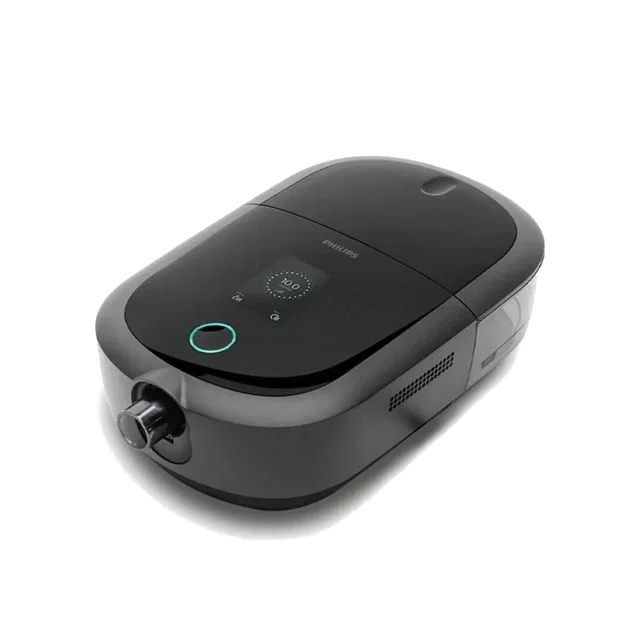
ResMed AirSense and AirCurve devices, which write standard EDF files, work today. Löwenstein Prisma and Philips DreamStation are next. If your machine writes to an SD card, it is on the roadmap.
No, and it is not meant to. CPAPdata is a self-monitoring and consultation-aid tool: it helps you read your own therapy data and arrive at your appointment with better questions. Any change to your pressure, mask or settings belongs to your prescribing physician.